Looks familiar?
This can happen to your app and your users can lose work because of maxed out connections to Postgres.
Railway does not let you manually edit the max_connections config anywhere in their dashboard. Probably for the better, since this would be a bandaid and not a proper fix.
This is where PgBouncer comes in.
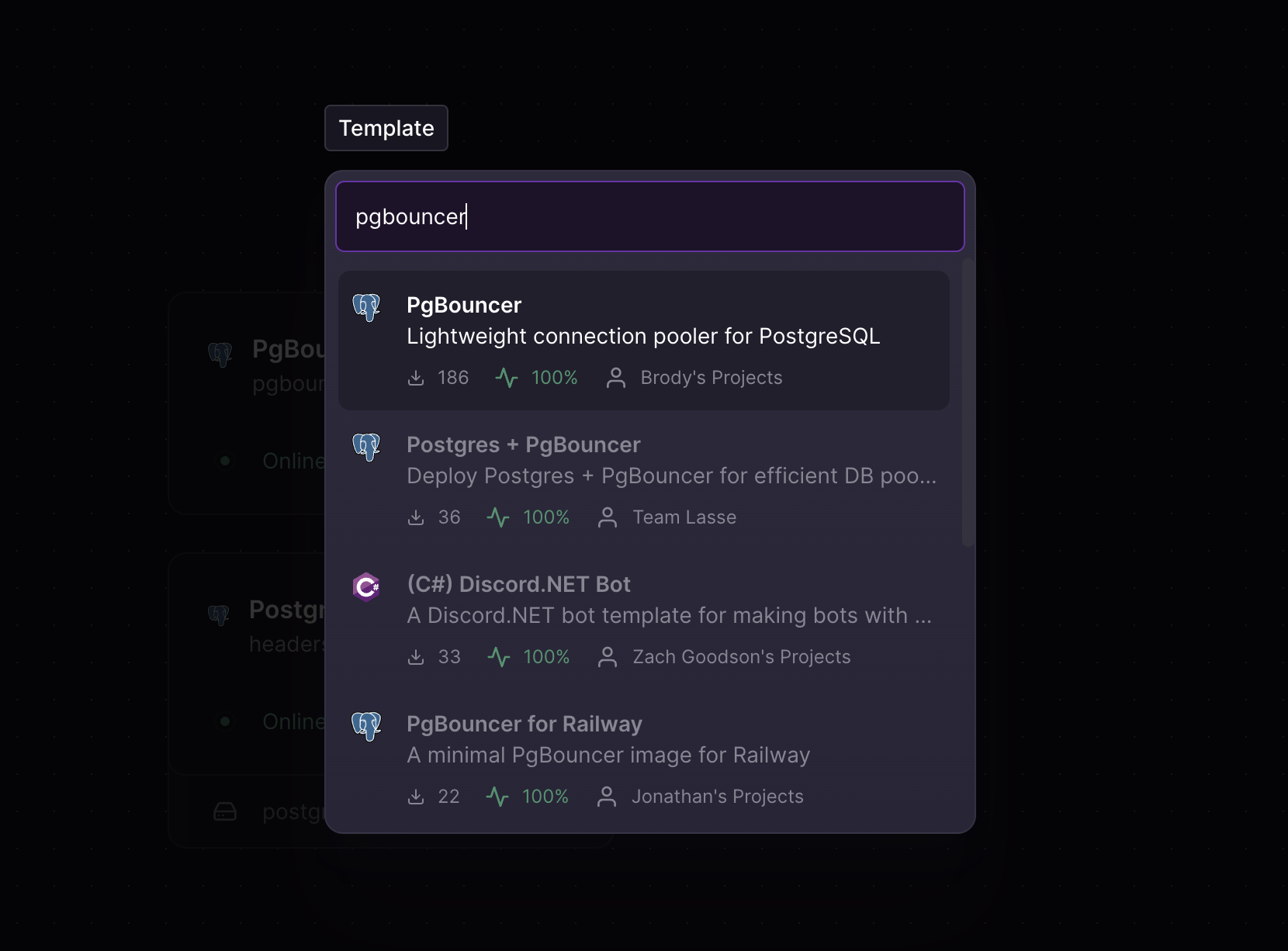
Install the template made by Brody and it will automatically pre-fill all the necessary Postgres variables from your Railway project.
If you have just one database in that project, then it's seamless. If you have more than one then you're gonna need to manually check / modify the template's variables before deploying.
After you are done deploying the template, go ahead and create a public domain for PgBouncer in the settings. After that is done update your app's environment variables to use the new DATABASE_PUBLIC_URL from the PgBouncer service which you can easily copy from the Variables screen.
DATABASE_URL_DIRECT and point your ORM config directly to the database.Optimizing for serverless
For an app that uses Next.js, transaction mode is the right choice — it returns connections to the pool after each transaction, so they're shared much more efficiently across serverless functions and Server Actions deployed on Vercel.
You can set PGBOUNCER_POOL_MODE to transaction to enable this.
Just make sure you disable prepared statements in your ORM of choice because PgBouncer can route your next query to a different backend connection that doesn't have the prepared statement and cause issues.
Drizzle, which runs on node-postgres under the hood, does not use prepared statements so you are good to go out of the box.
More reading about different pooling modes here:
 PgBouncer is useful, important, and fraught with perilUpdated 2024-09-17 to reflect updated PgBouncer support for protocol-level prepared statements 🐘 To start, I want to say that I’m appreciative that PgBouncer exists and the work its open source maintainers put into it. I also love working with PostgreSQL, and I’m thankful for the incredible amount of work and improvements that go into it as well.
I also think community and industry enthusiasm around Postgres is at an all time high.jpcamara.com/2023/04/12/pgbouncer-is-useful.html
PgBouncer is useful, important, and fraught with perilUpdated 2024-09-17 to reflect updated PgBouncer support for protocol-level prepared statements 🐘 To start, I want to say that I’m appreciative that PgBouncer exists and the work its open source maintainers put into it. I also love working with PostgreSQL, and I’m thankful for the incredible amount of work and improvements that go into it as well.
I also think community and industry enthusiasm around Postgres is at an all time high.jpcamara.com/2023/04/12/pgbouncer-is-useful.html
